01
Upload a portrait
Choose a clear photo where the face and hair are visible.
Upload a portrait to explore a new hairstyle and hair color while keeping the person's face, expression, pose, and identity recognizable.
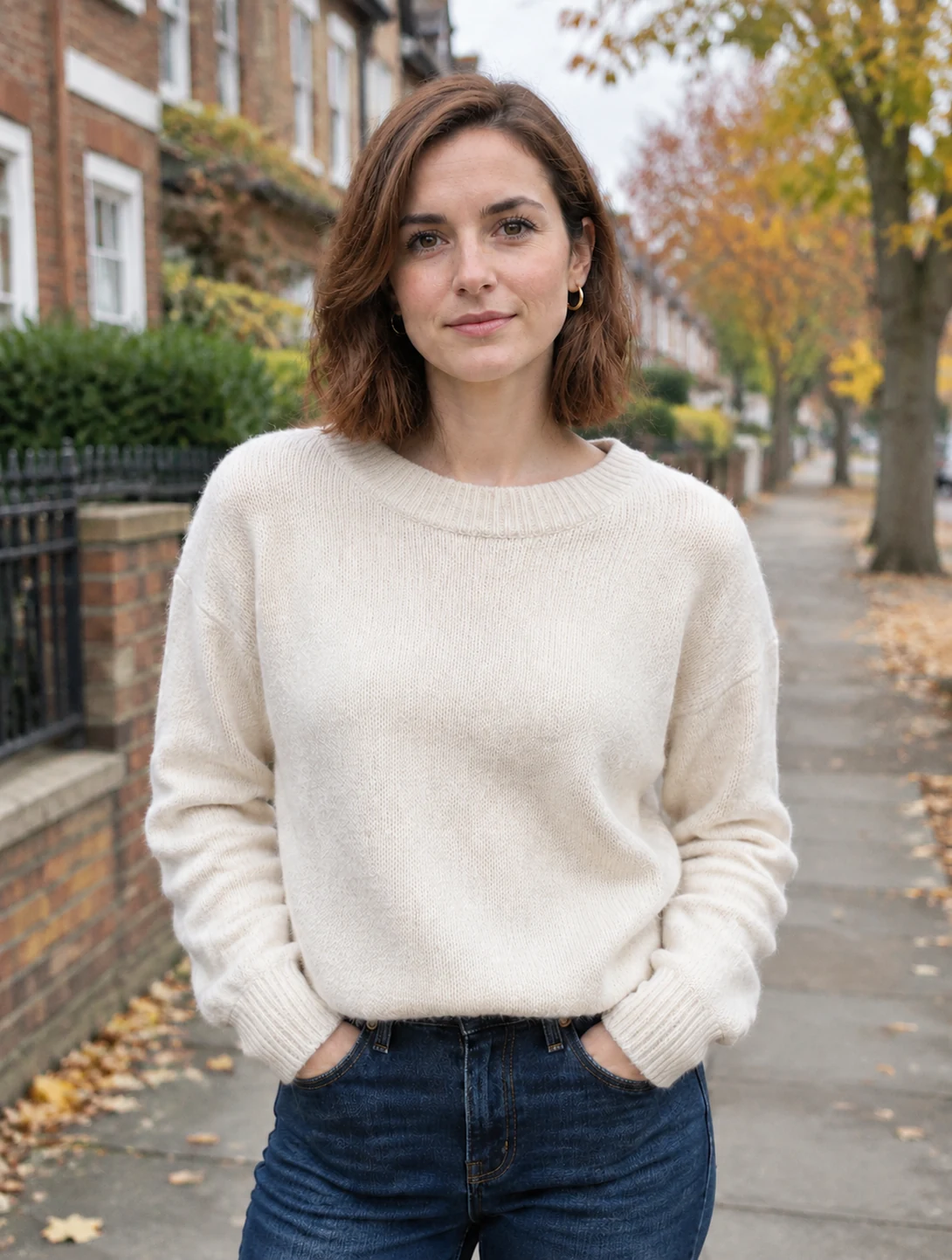
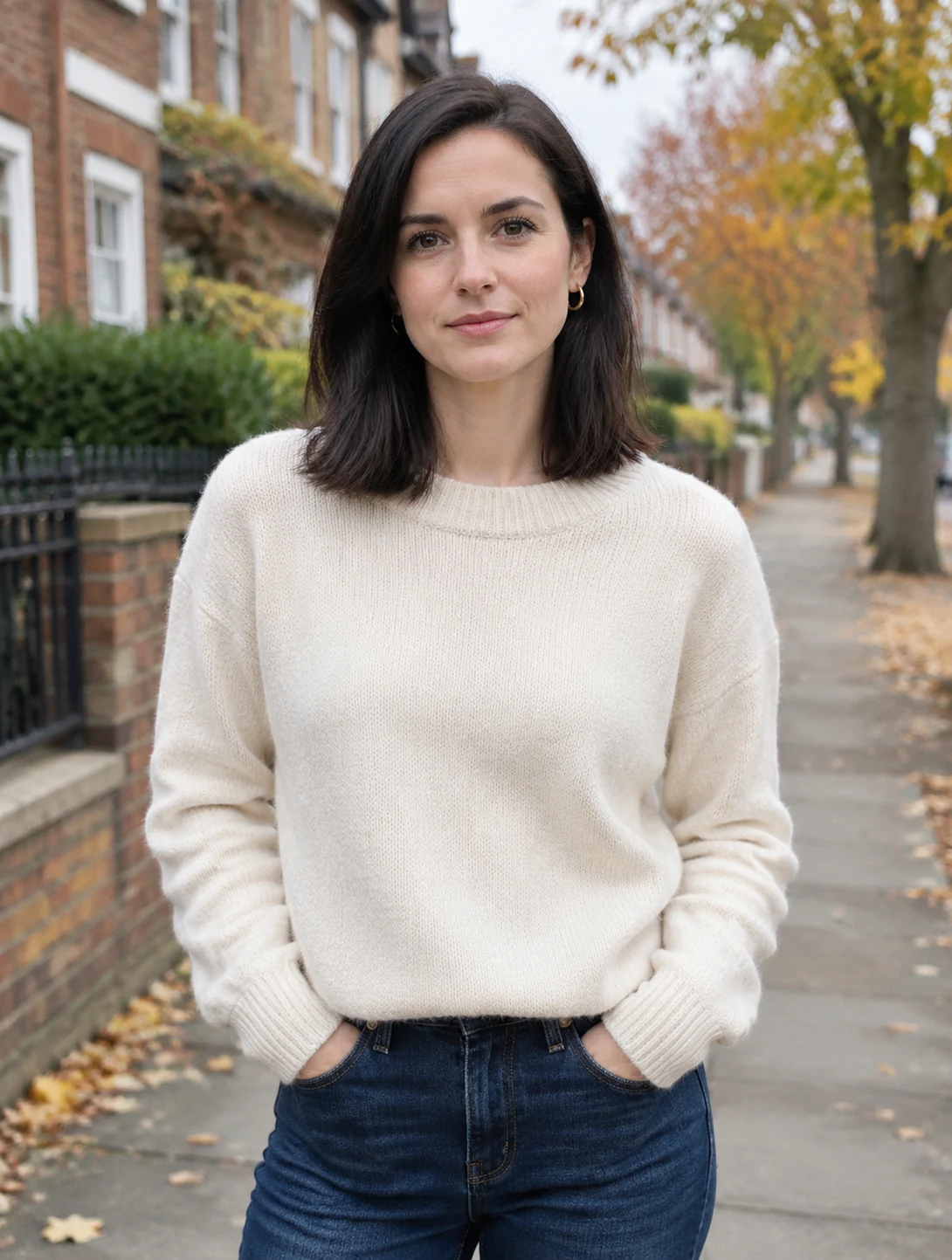
Try a different look from one portrait.
Choose a clear photo where the face and hair are visible.
Enter the hairstyle, length, texture, or color you want to explore.
Create a result, then refine the prompt to try another direction.
Preview hairstyle and color ideas using your own portrait.
The edit is guided to retain the person's face, expression, pose, and setting.
Specify the length, fringe, curls, tone, or overall style in a simple prompt.
Compare hairstyle or color ideas before a salon visit.
Develop fresh looks for character studies and profile images.
Try new visual directions without changing the original photo.
Continue editing with another focused tool from AI Photo Editor Pro.


Upload a blurry or soft photo to recover clarity and natural detail while preserving the original subject, composition, colors, and lighting.


Upload a black-and-white photo to add natural, realistic color while preserving the people, composition, lighting, and original photographic character.


Upload an image to remove unwanted watermarks and rebuild the covered areas while preserving the surrounding details, texture, and composition.


Upload a portrait to preview a natural gender transformation while keeping the person's identity, expression, pose, clothing, and setting recognizable.
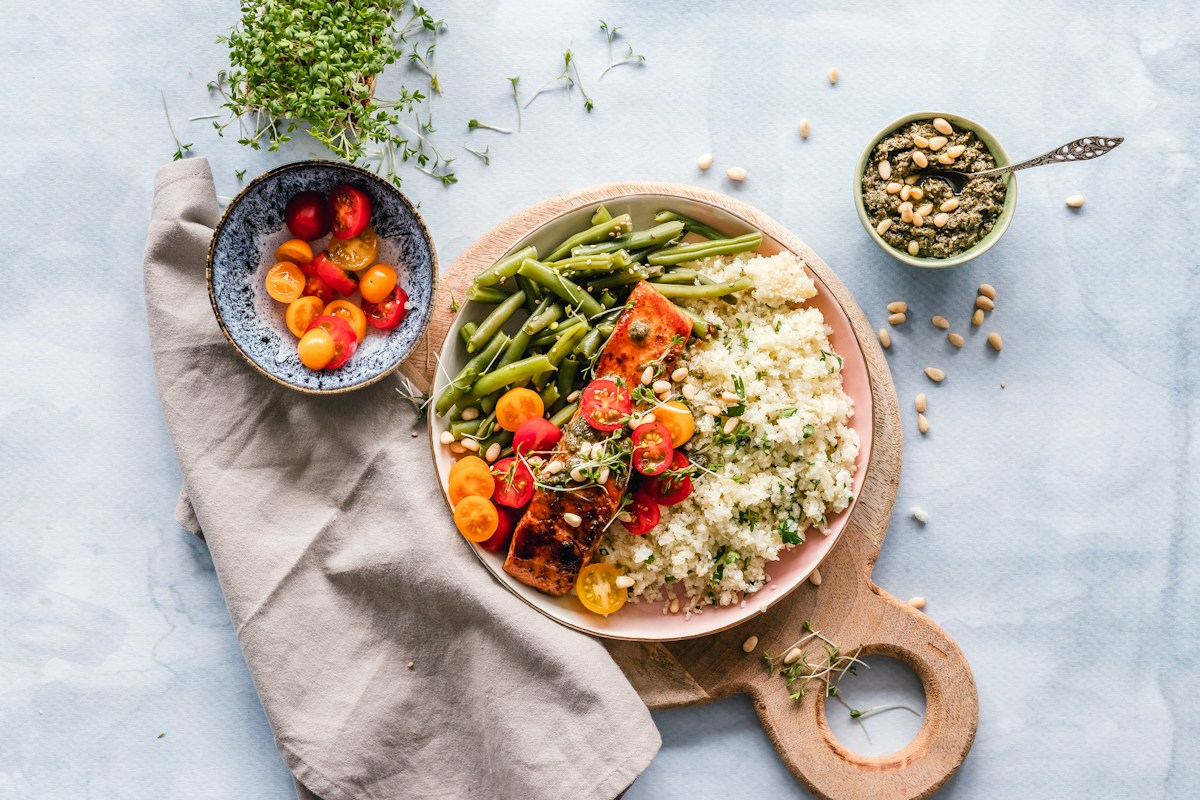
Describe any dish or upload a reference photo, and let AI generate a stunning, realistic food image in seconds. Turn your culinary ideas into professional visuals.

Describe the species, markings, colors, outfit, personality, pose, and visual style, or upload a reference image to create a distinctive anthropomorphic furry character.


Upload a photo or enter a prompt to generate high-quality, printable coloring pages instantly.
Upload a portrait and explore a hairstyle or color direction that feels right.
Try AI Hairstyle & Color