AI Photo Editor Pro for Everyday Creativity
Turn your ideas into images with AI Photo Editor Pro. Describe your changes to edit a photo, or start with a text prompt to create something new.
AI Photo Editor Pro for Everyday Creativity
AI photo editing examples
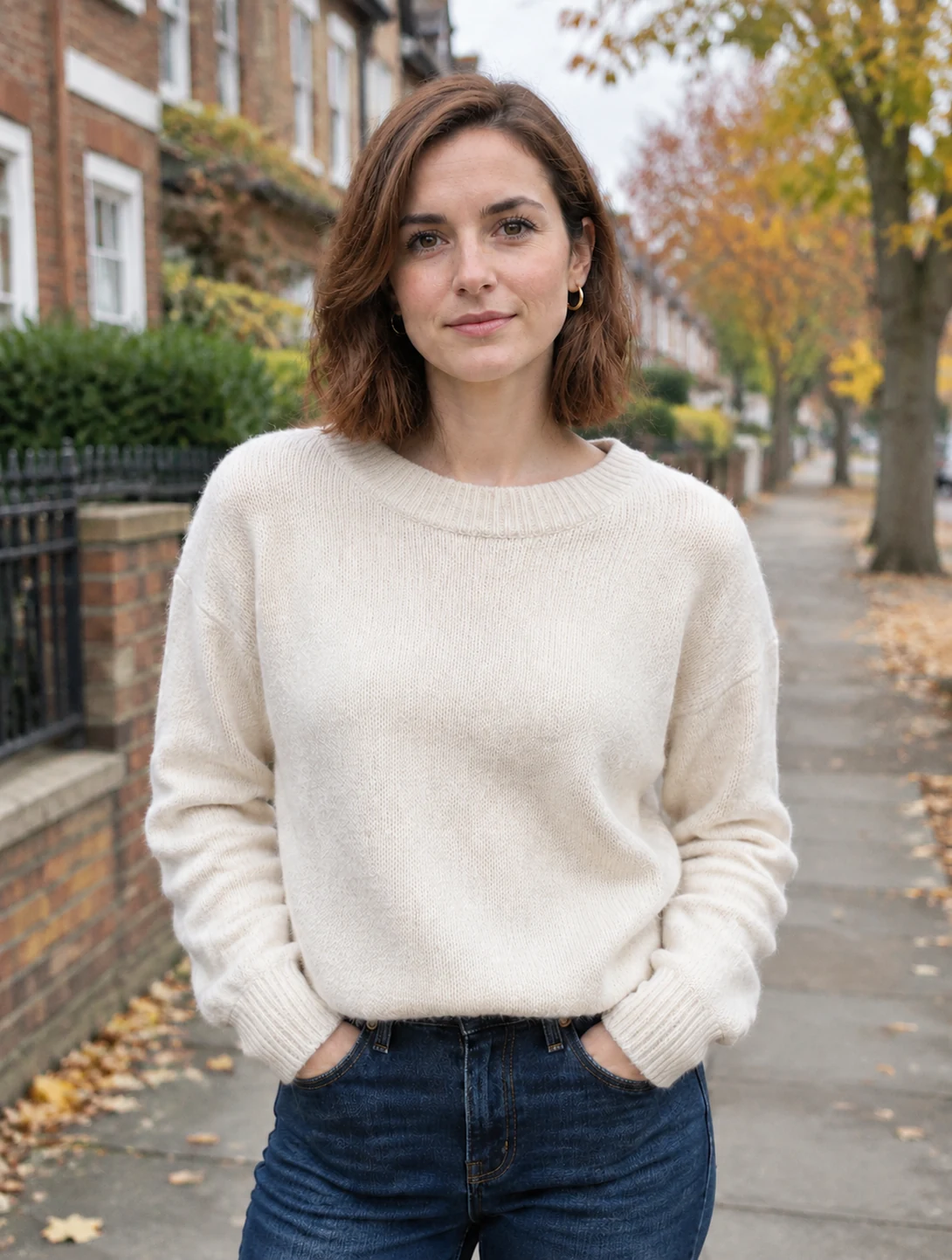
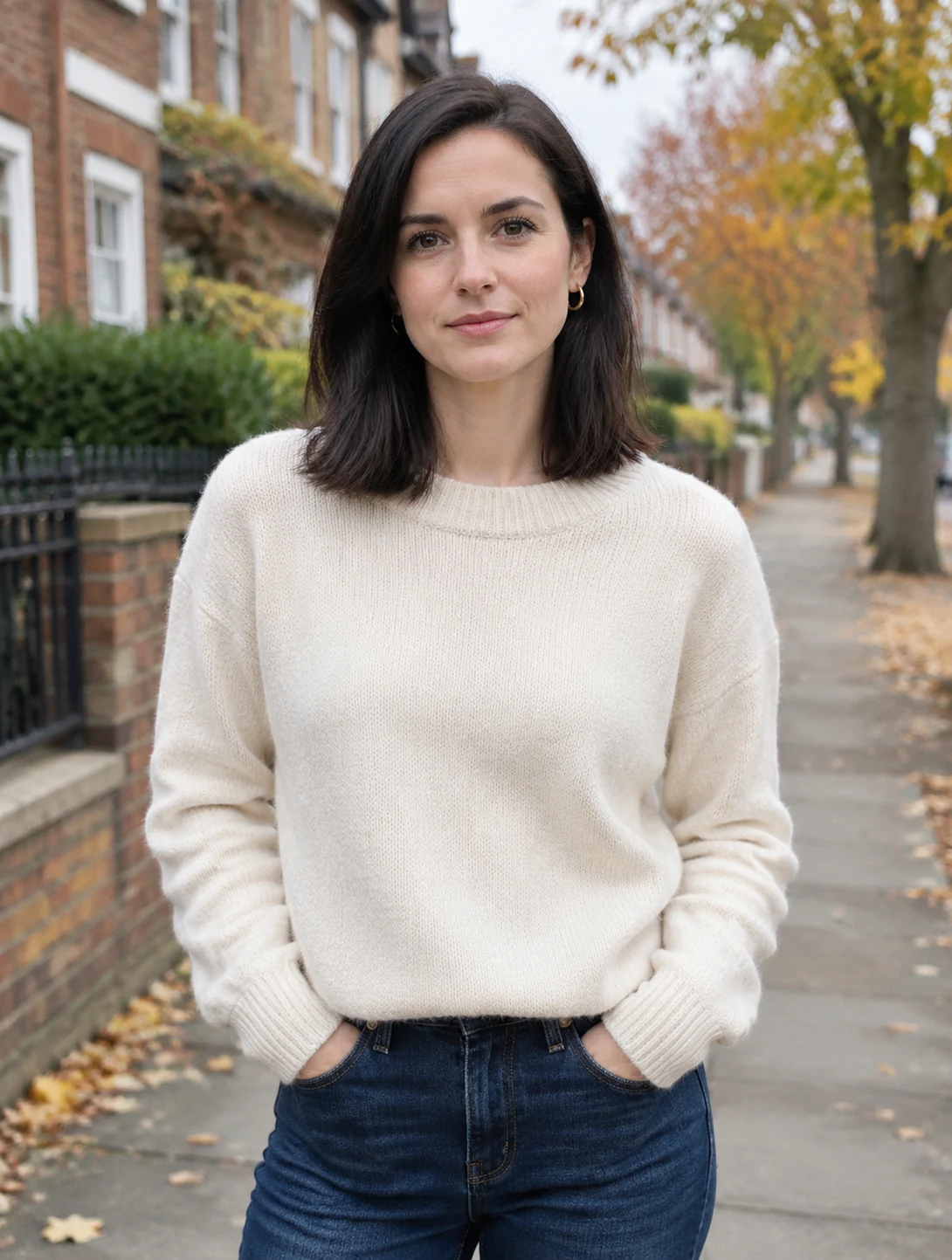
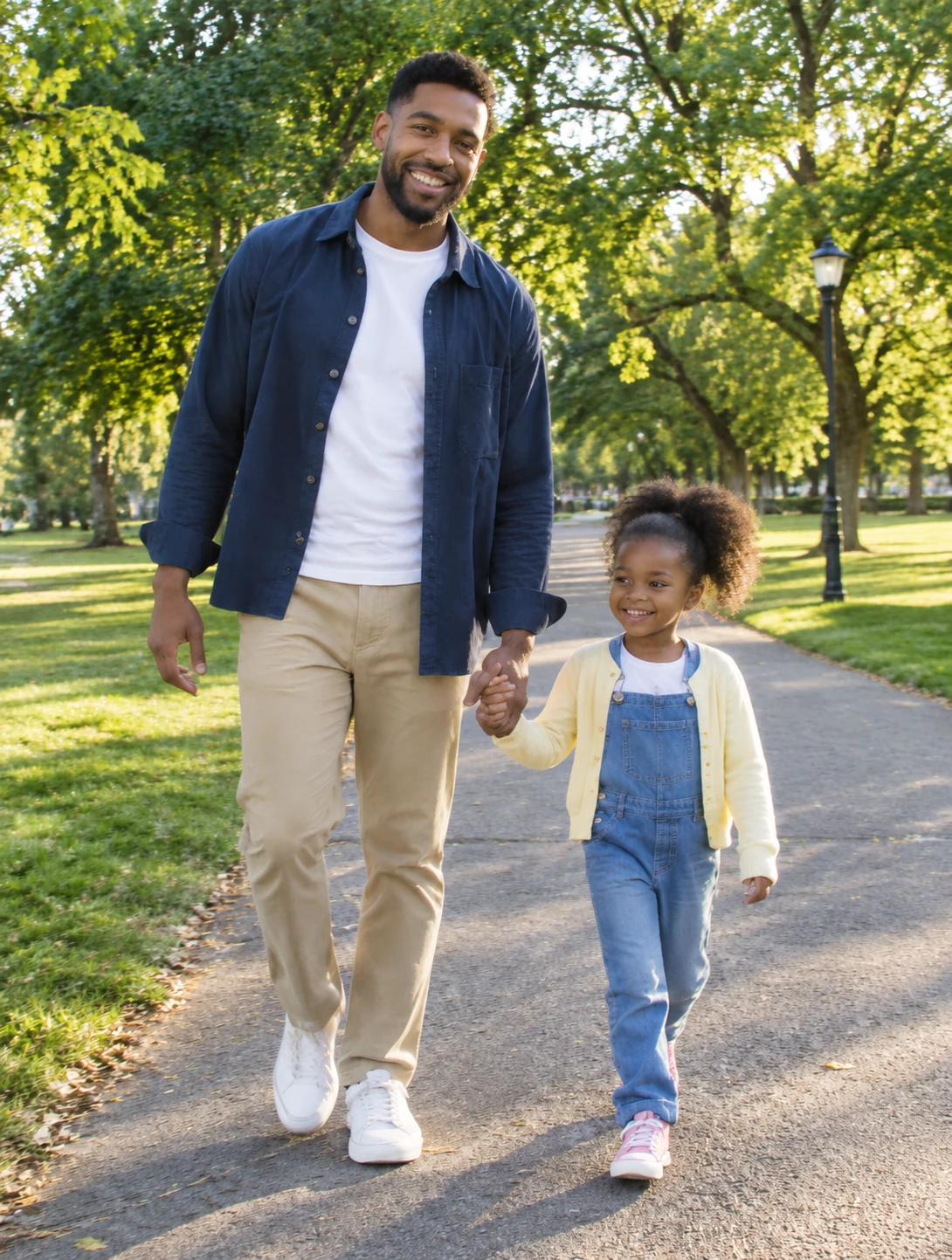
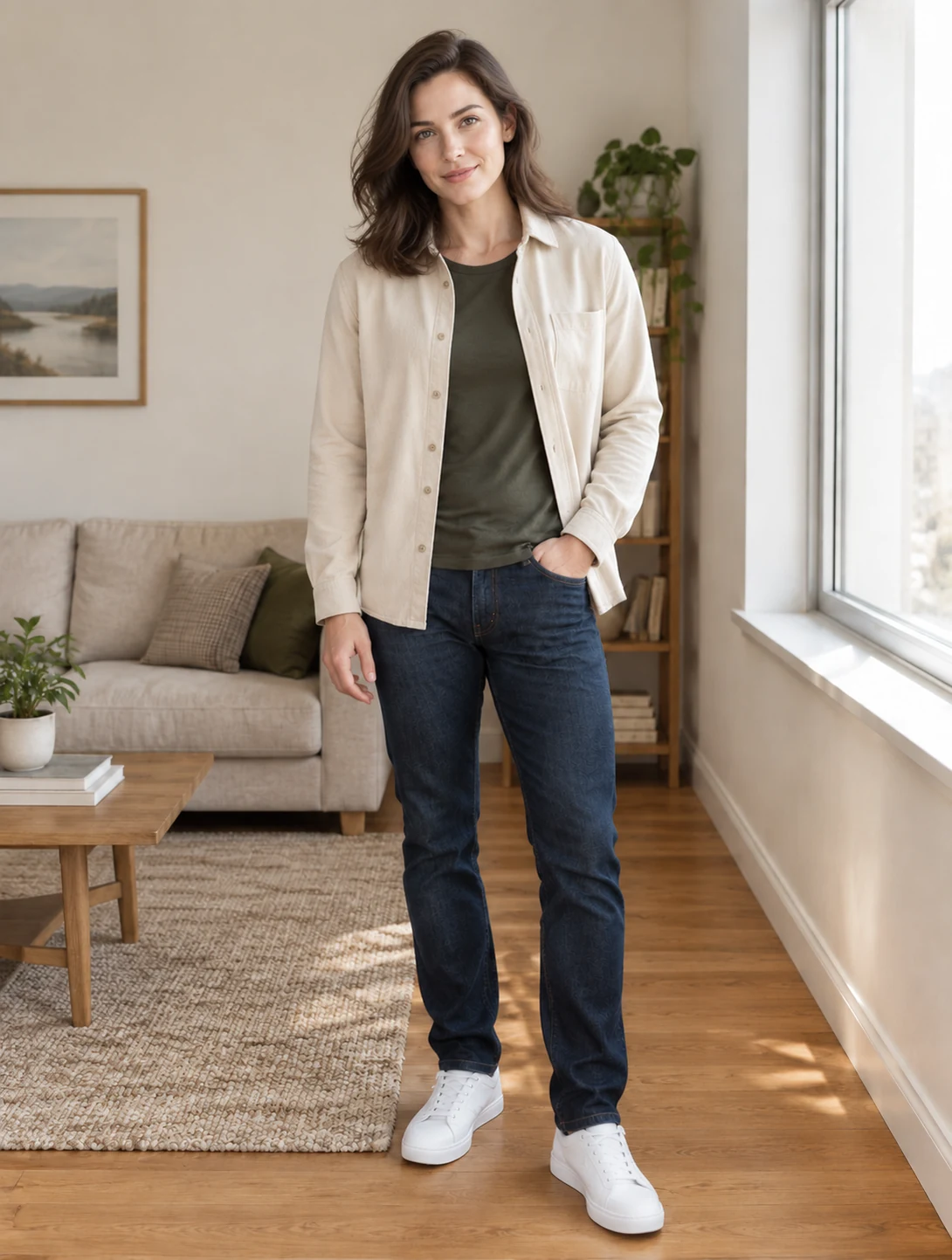
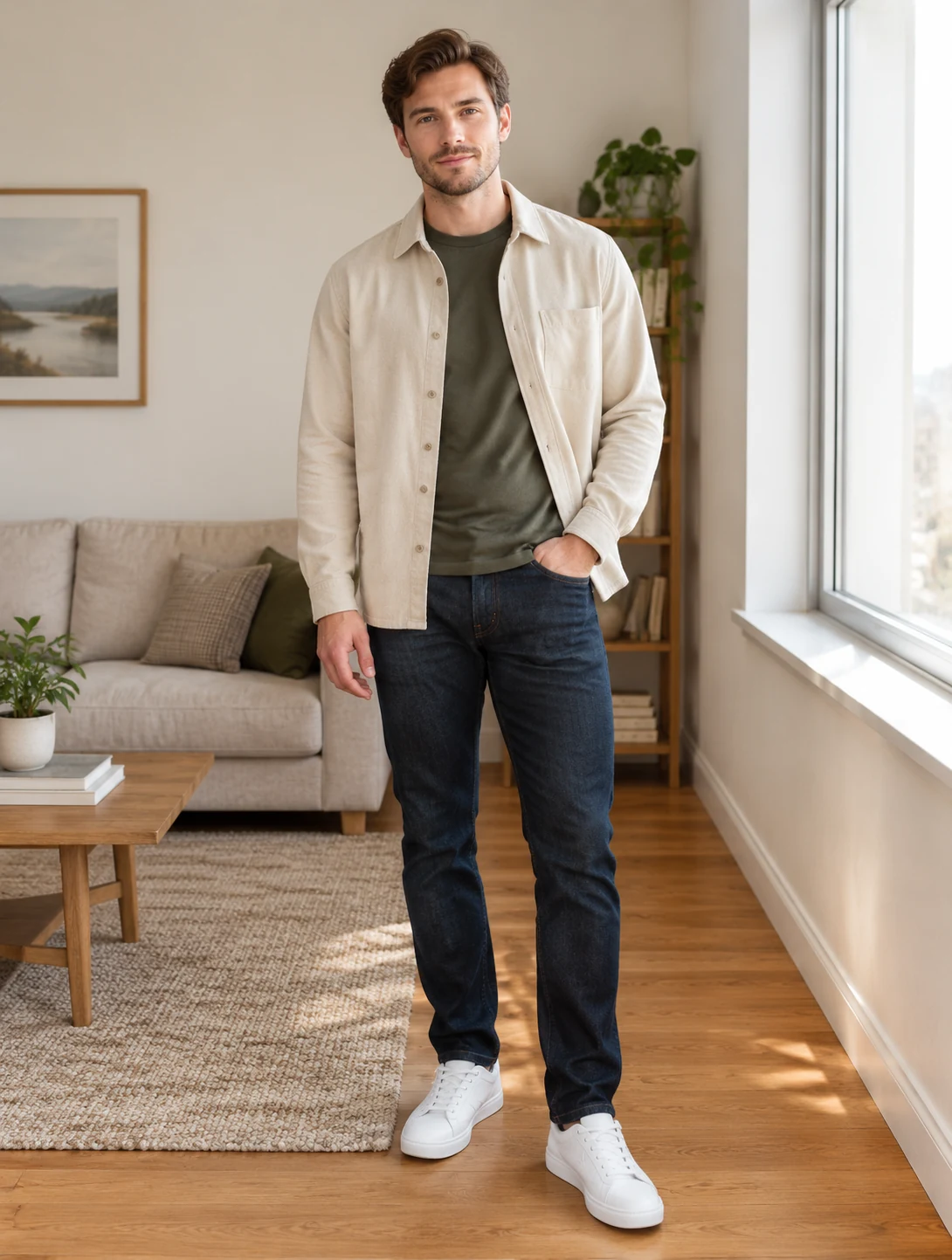
Edit Photos and Generate Images with AI
Bring new possibilities to every image with AI tools that make photo editing and image creation simple.
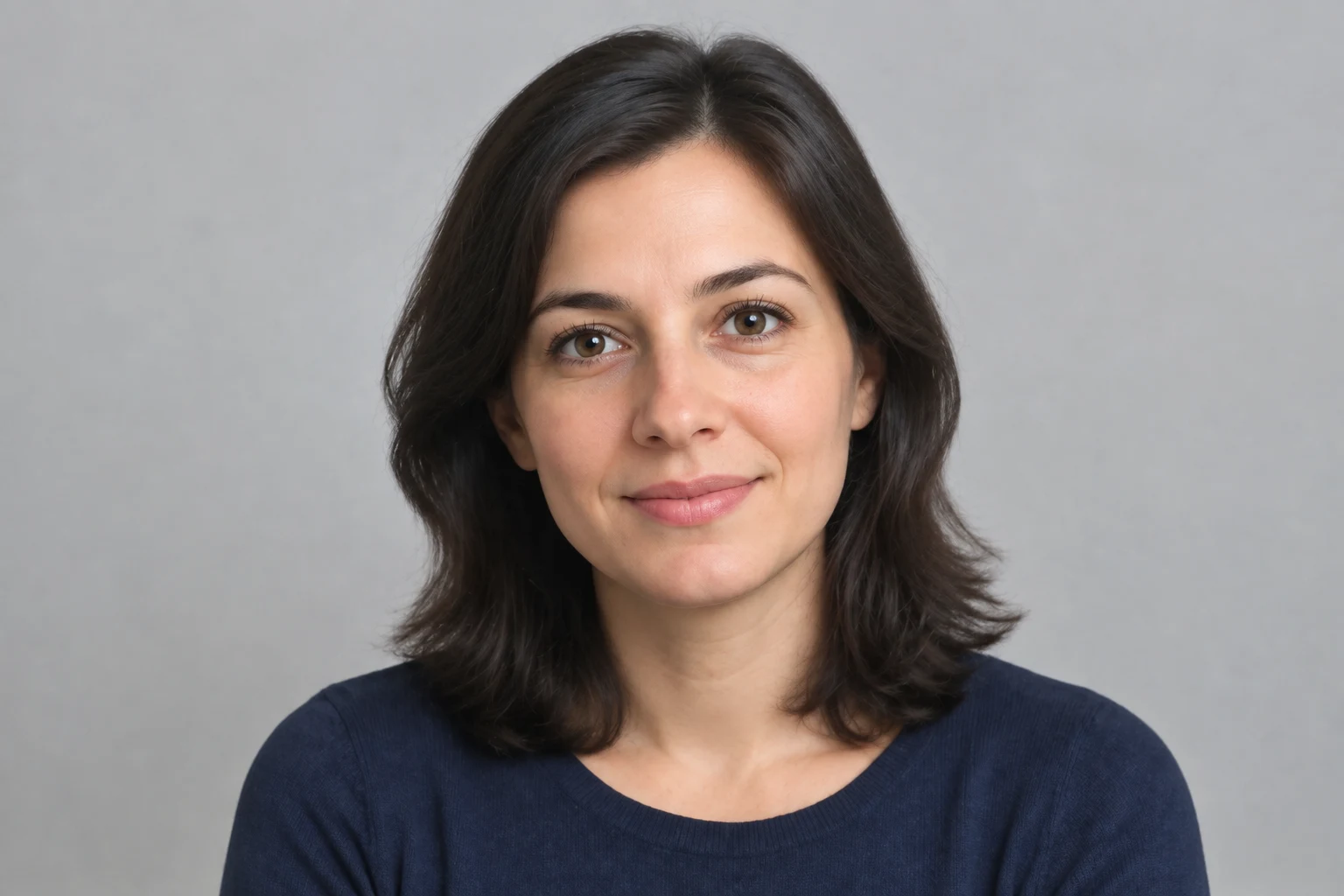
Restore Every Detail
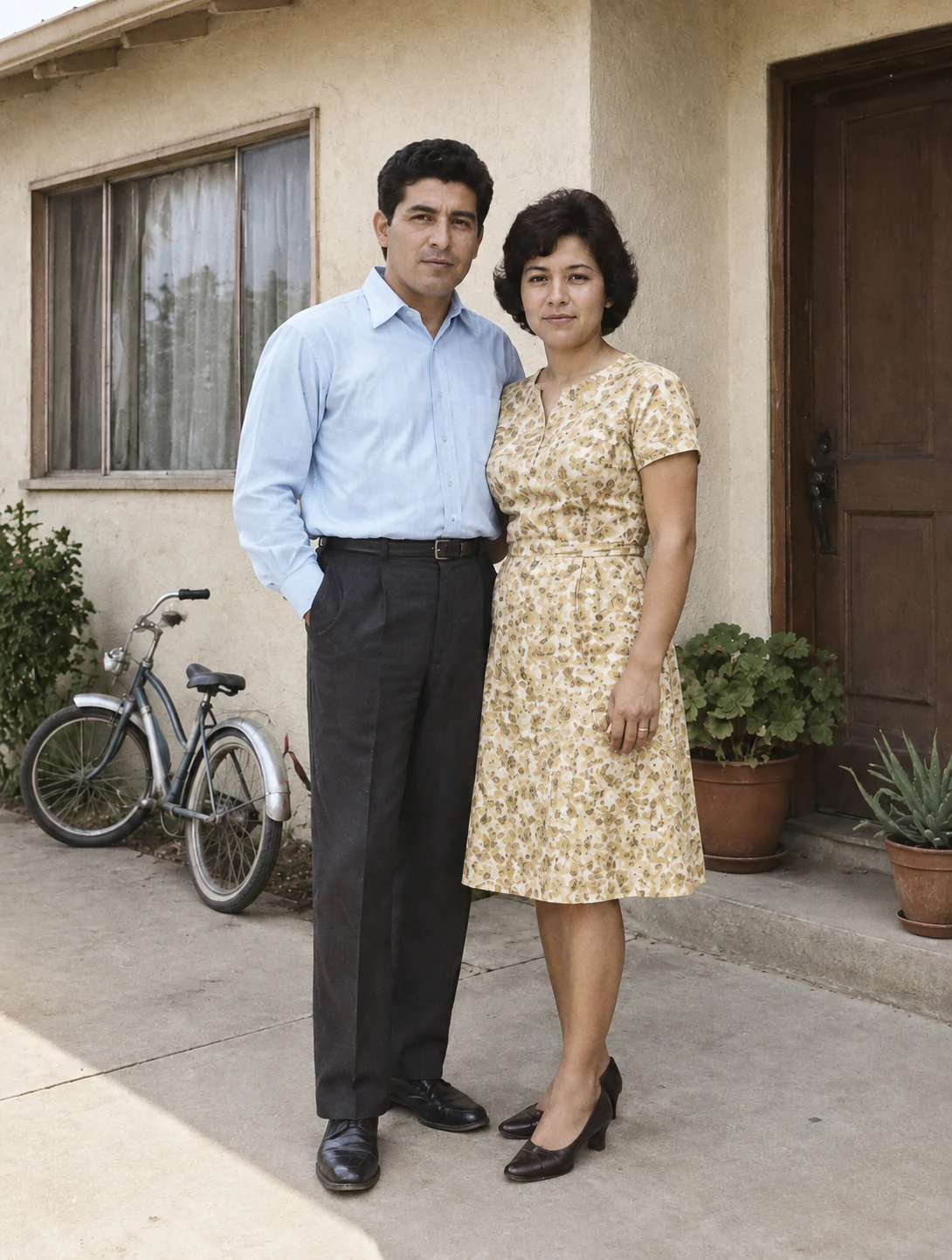
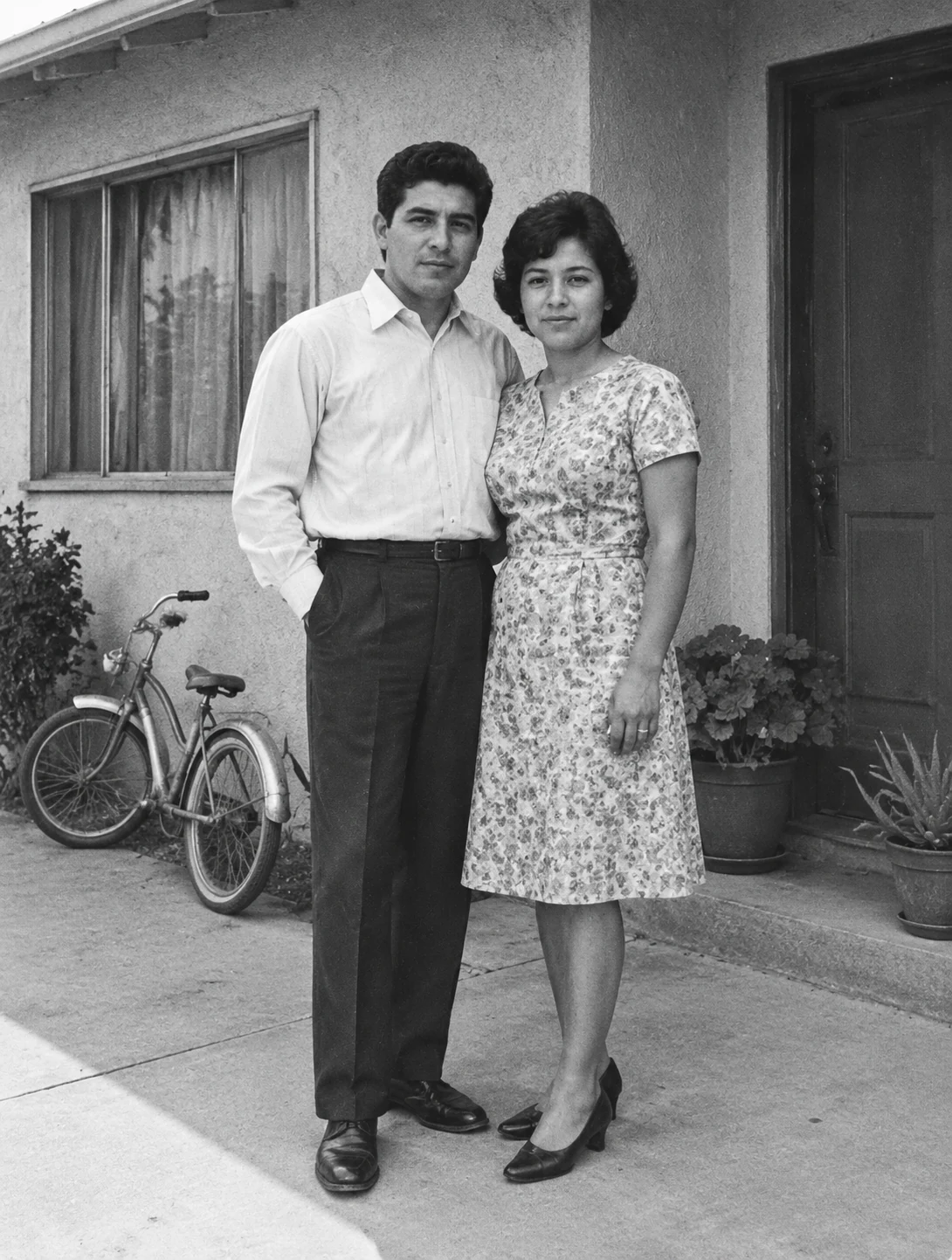
Bring soft, blurry, or aging photos back with clearer details and a natural finish. Upload an image and guide the restoration while keeping the original character intact. Describe damaged areas, faded colors, or missing detail, and ask the editor to preserve familiar faces, original textures, and the atmosphere of the photograph.
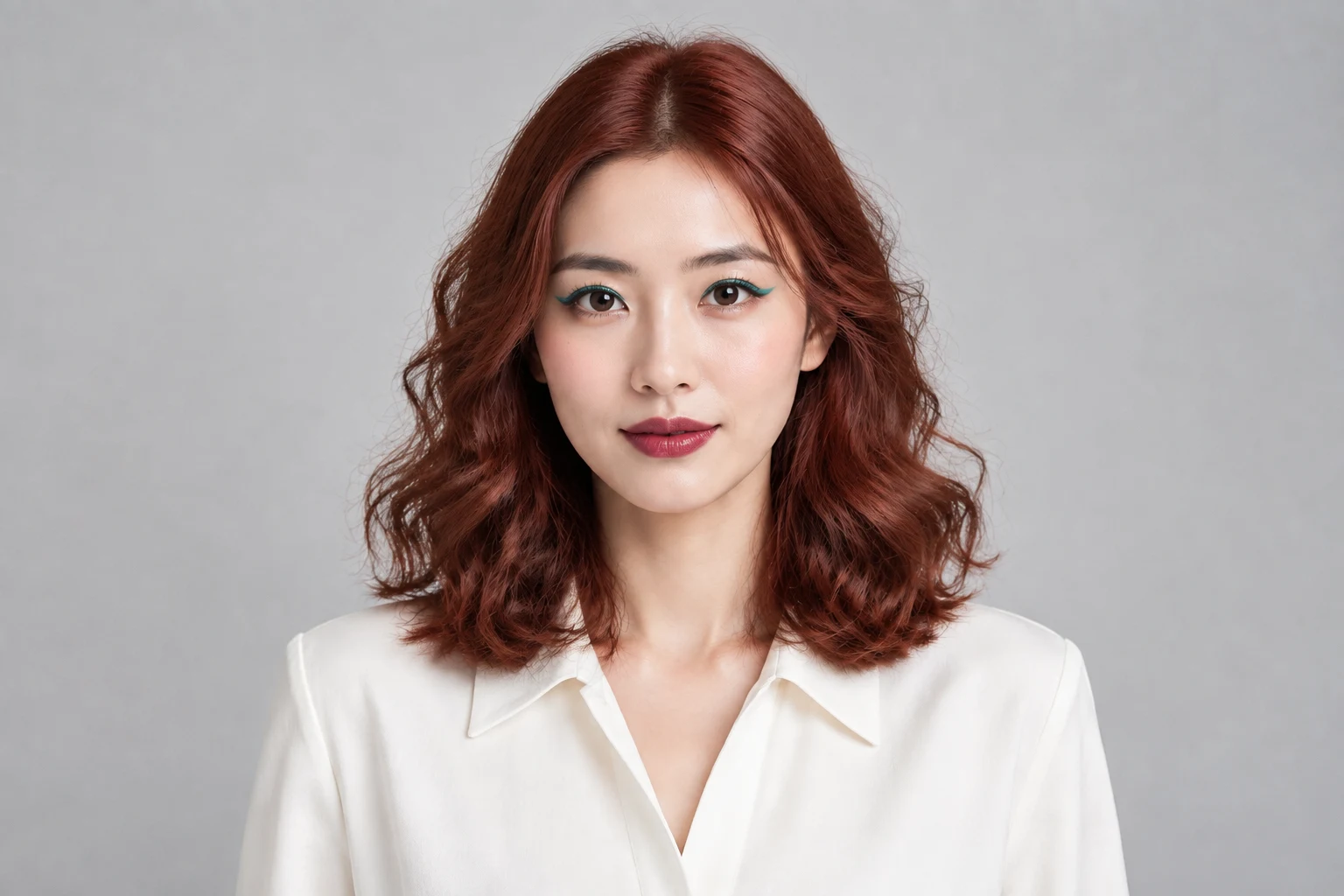
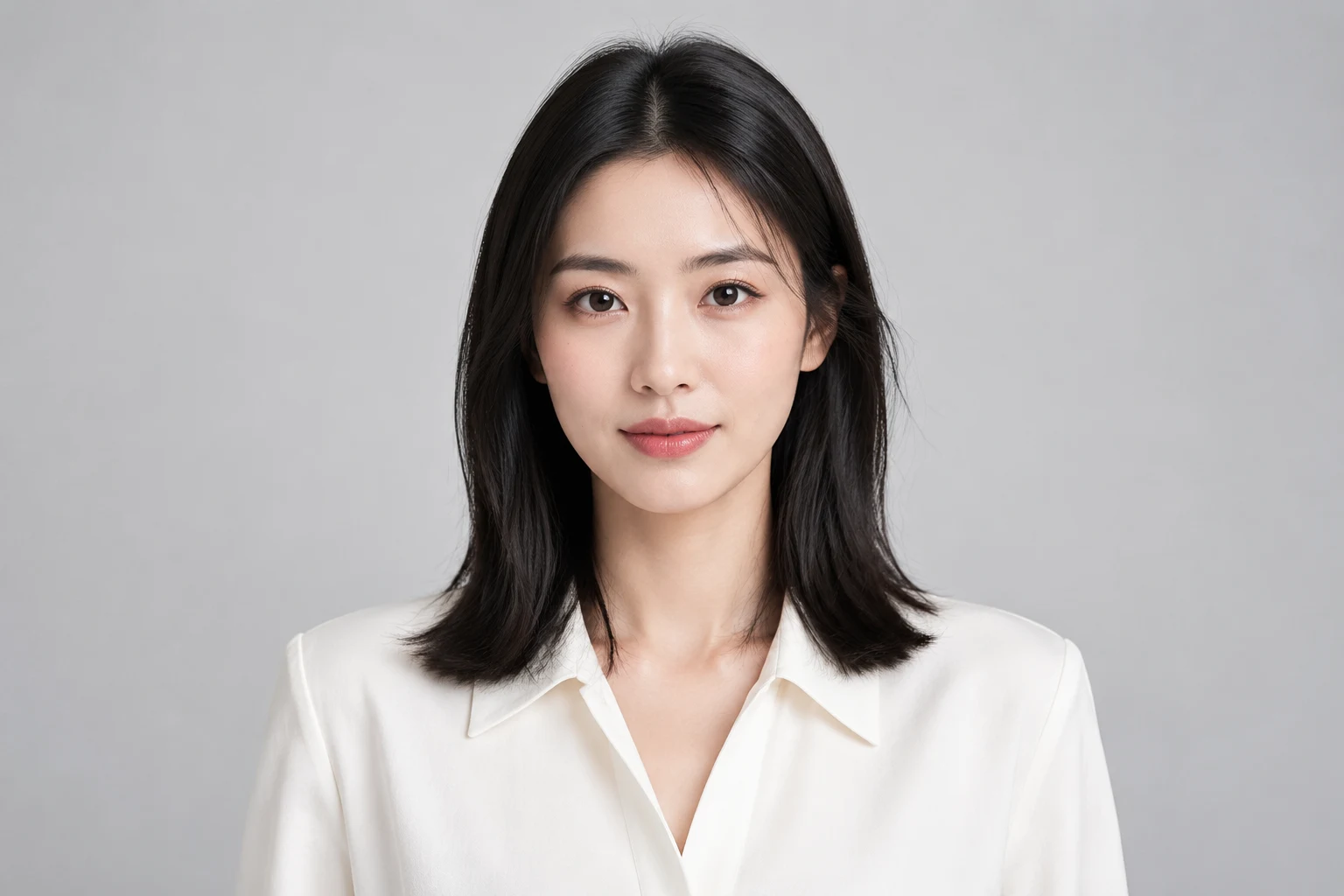
Reimagine Your Portrait
Explore new hairstyles, colors, and personal styles while keeping the face and pose recognizable. Start with a portrait and describe the change you want to see. Try a different cut, hair color, outfit, or portrait mood while specifying which facial features, expression, lighting, and background should remain unchanged.
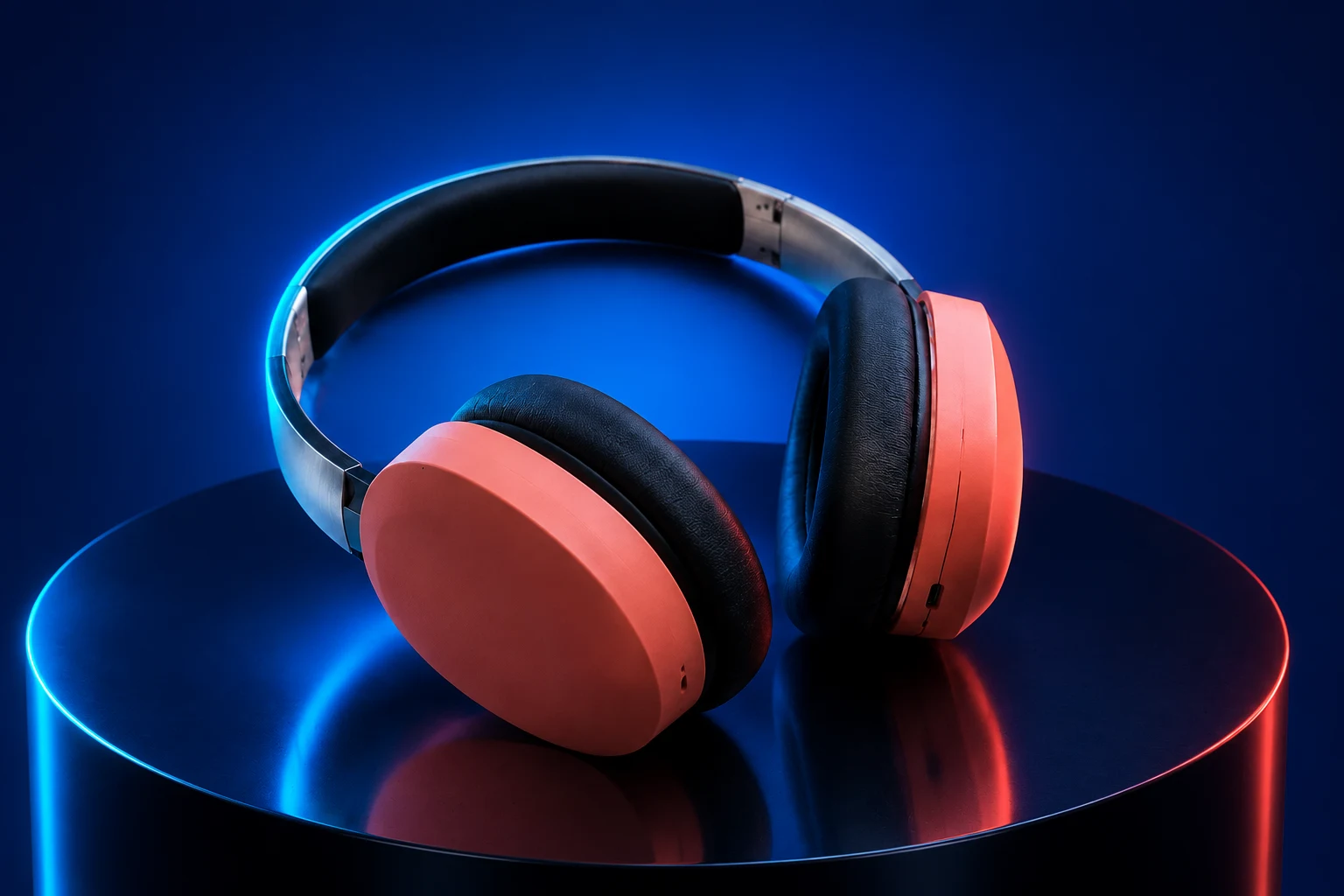
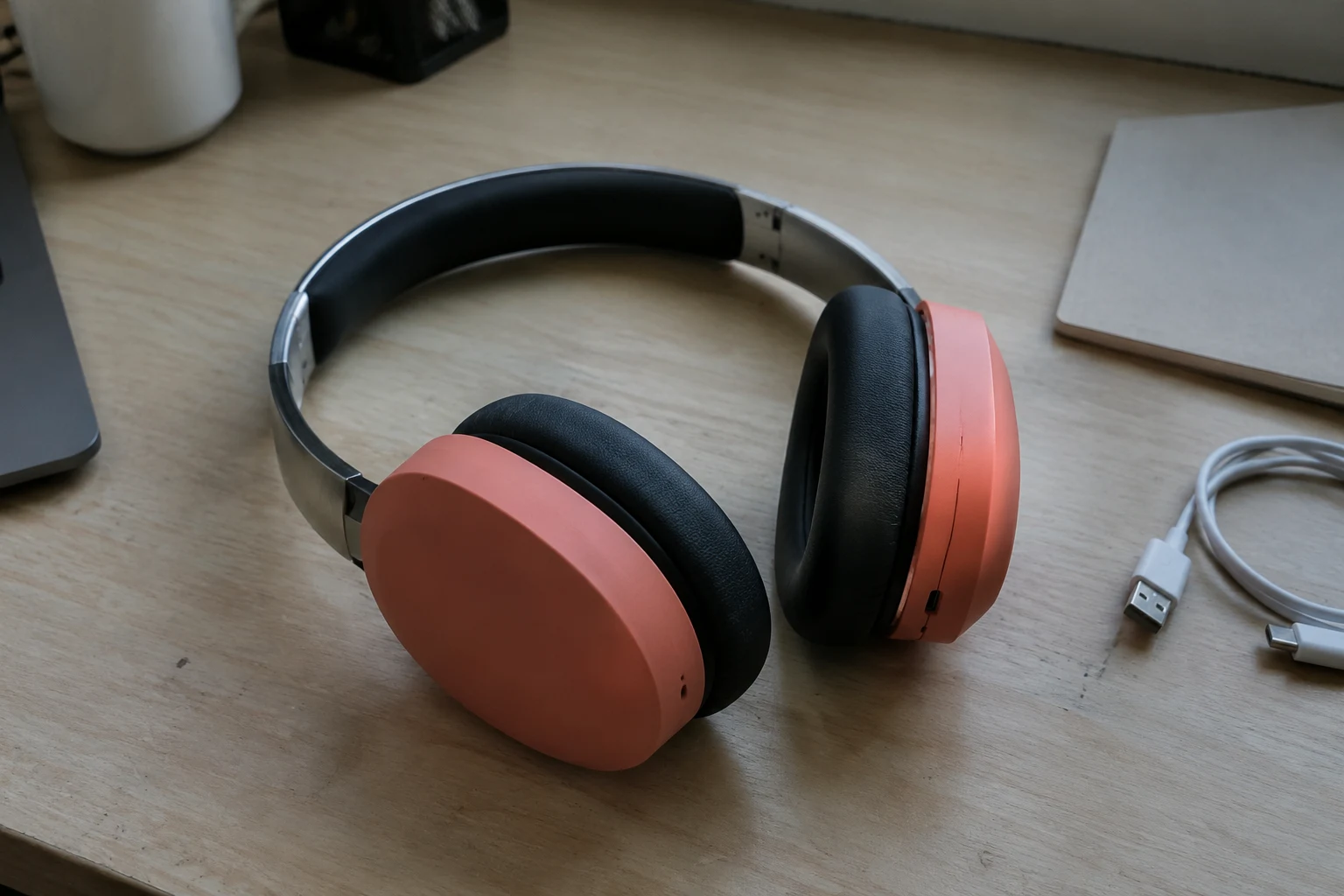
Turn Products into Campaigns
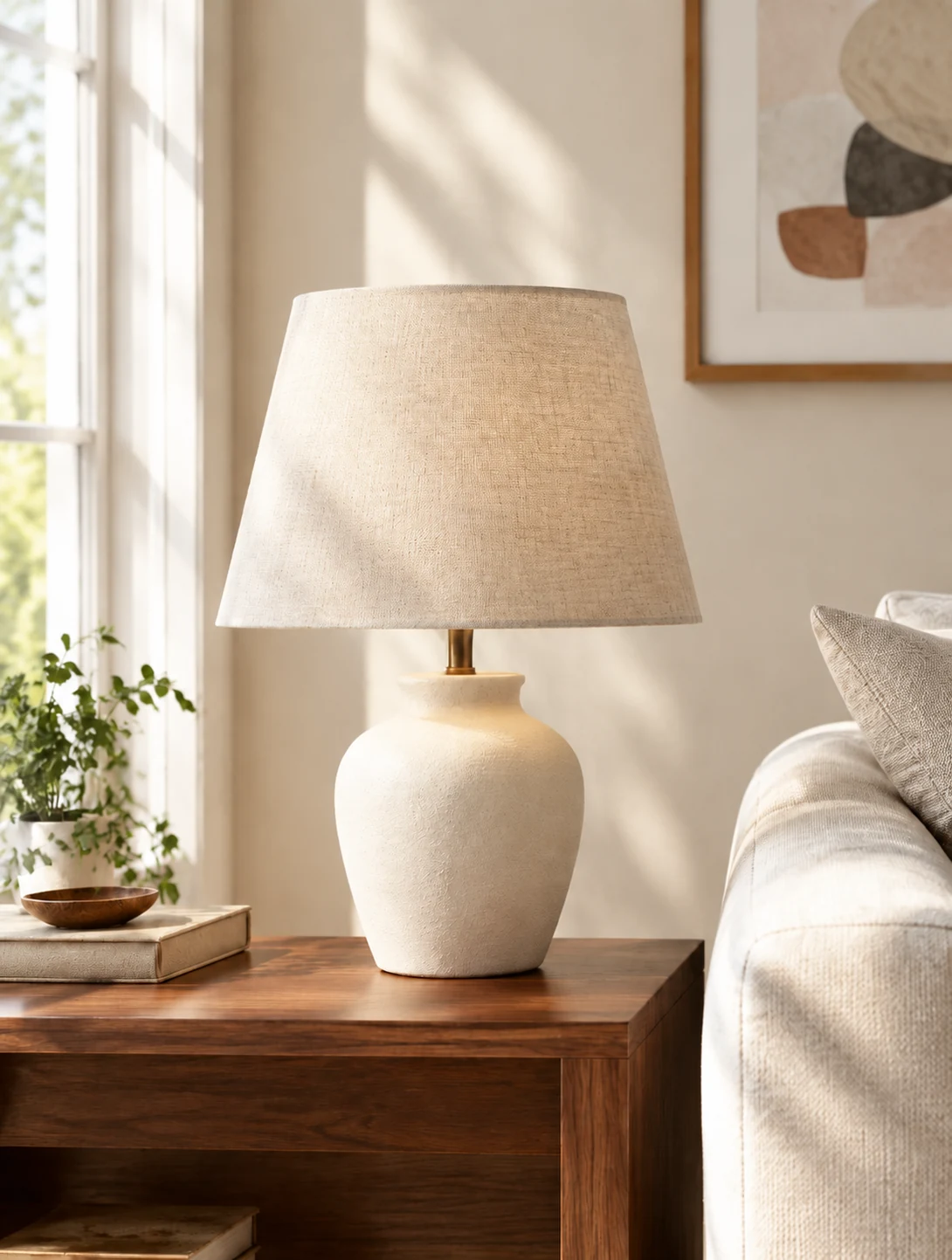
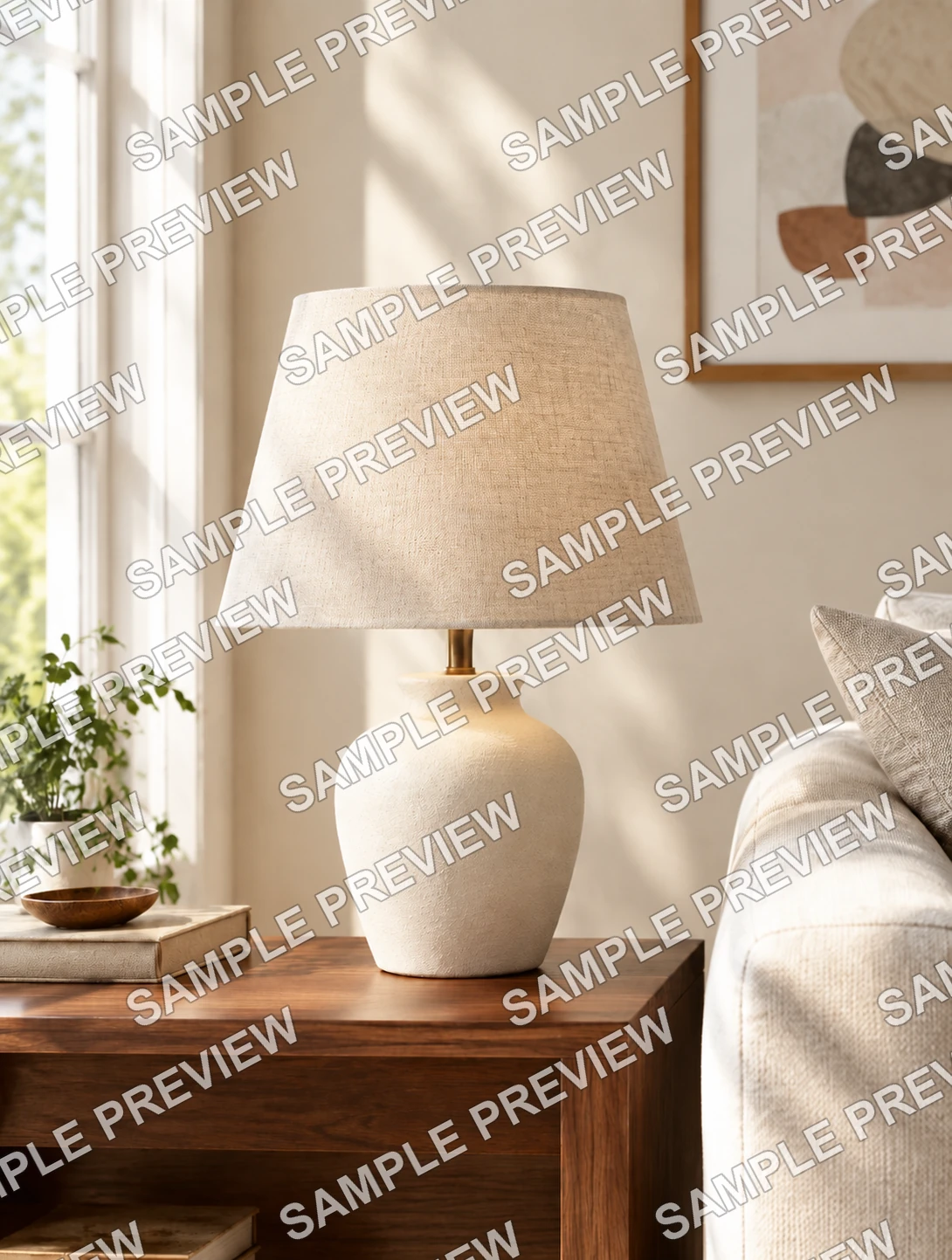
Transform an ordinary product photo into a polished visual ready for stores, social posts, and promotions. Refine the setting, lighting, and presentation with one reference image. Ask for clean studio lighting, a lifestyle setting, seasonal styling, or a new campaign format while protecting the product's shape, materials, colors, and branding.
Change the Scene, Keep the Subject
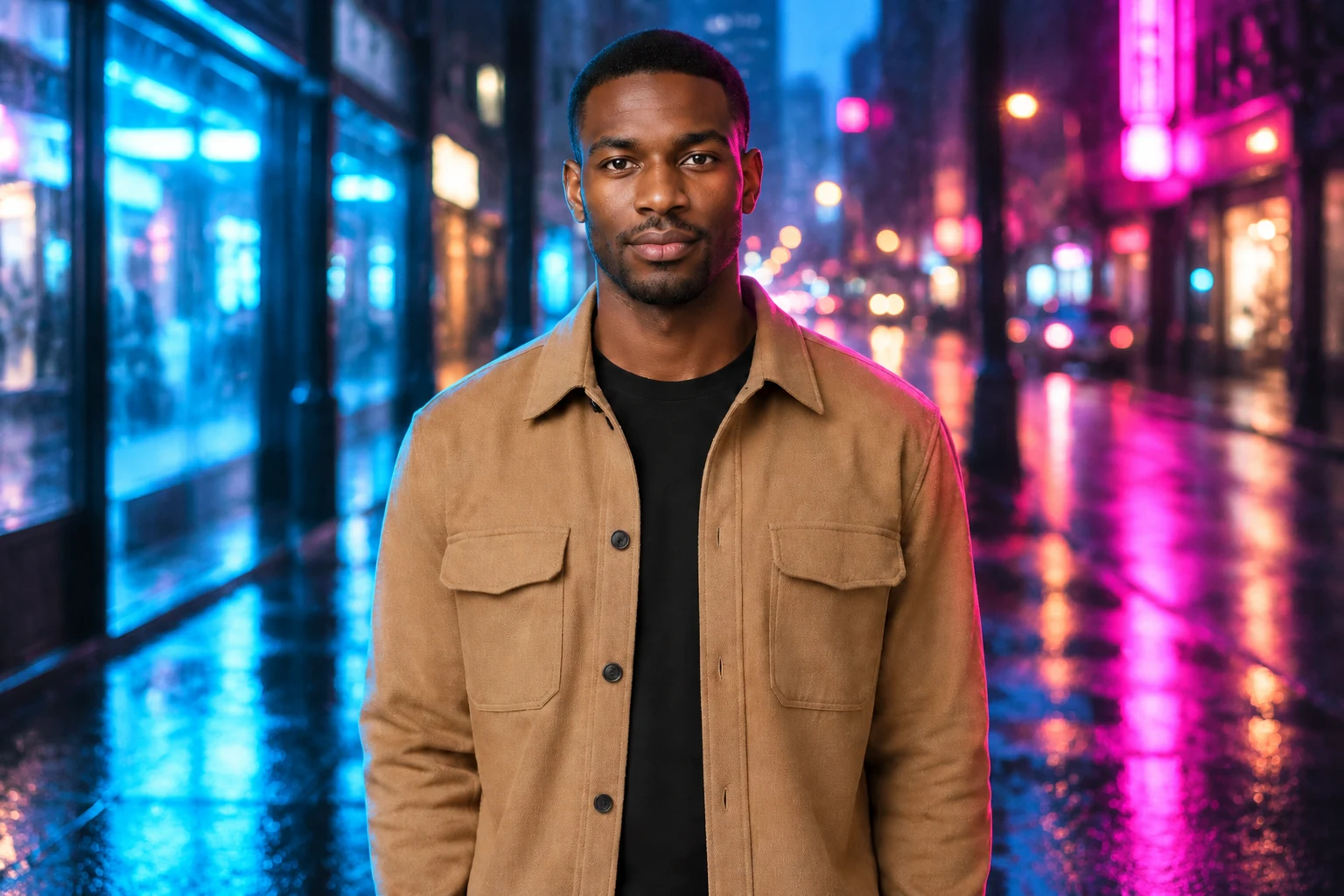
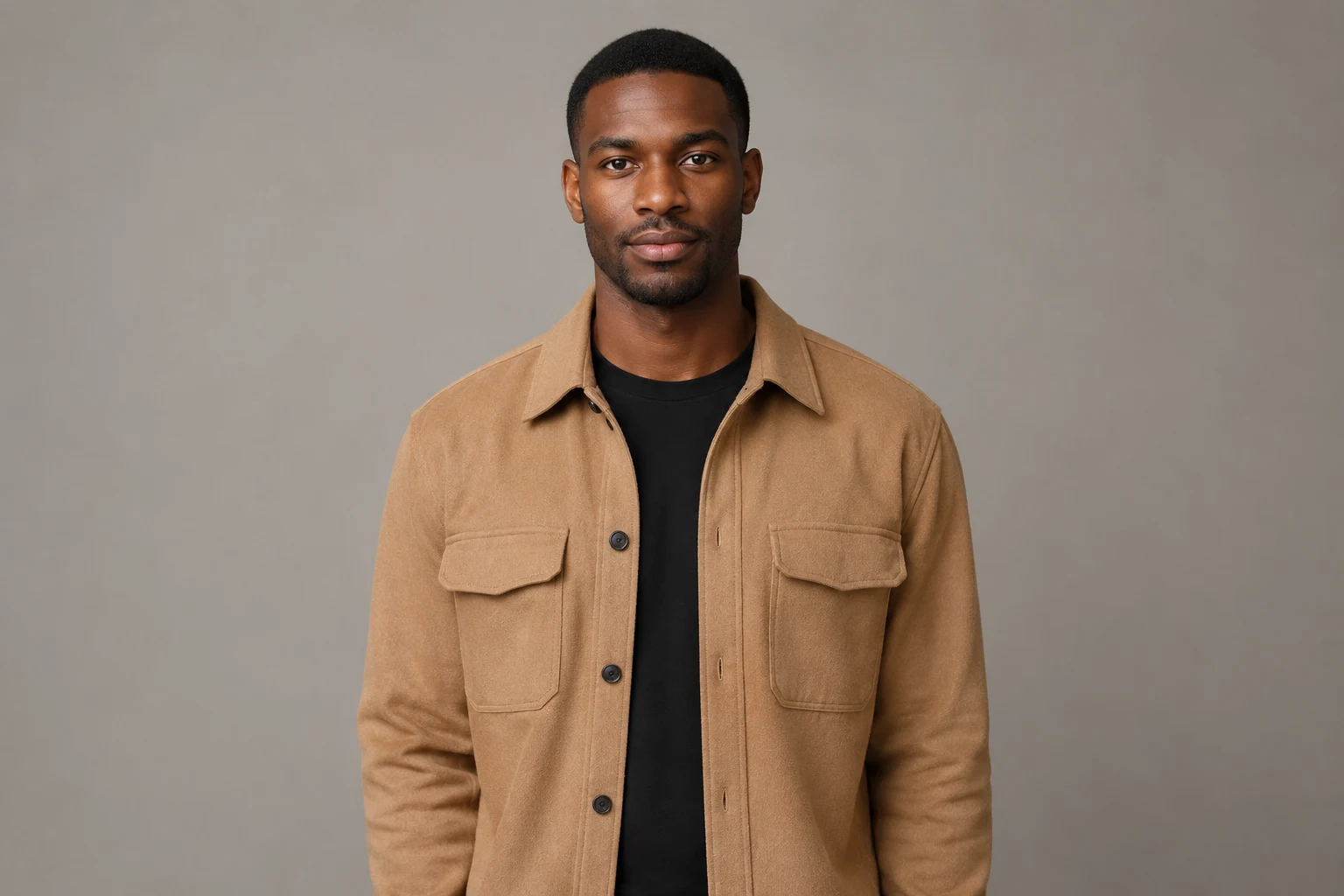
Place your subject in a fresh environment without losing its important details. Replace distracting backgrounds and create a scene that matches your idea. Explain the location, time of day, perspective, and lighting you need so the new surroundings feel connected to the subject instead of pasted behind it.
Write Prompts That Get Better Results
Use these practical techniques to turn a rough idea into a clear, controllable edit.
Lead With the Main Change
State the edit you want first. A direct request gives the AI a clear goal, then you can add useful context about the subject, setting, and desired result. For example, begin with "replace the background" or "restore this portrait" before describing smaller visual details.
Protect What Should Stay
Name the details to preserve, such as a face, pose, product shape, text, or the original composition, so the AI changes only what you intend. Clear limits are especially useful when editing portraits, branded products, architecture, or images with a carefully arranged layout.
Add Clear Visual Direction
Describe the lighting, color, mood, camera angle, and style that matter to the final image, giving the AI a consistent visual target to follow. Concrete phrases such as soft window light, muted colors, eye-level framing, or natural skin texture are easier to interpret.
Use References With Purpose
Explain what each reference should guide, such as identity, outfit, composition, palette, or visual style, so every image has a clear and useful role. When using several references, identify their separate purposes instead of asking the editor to copy everything from every image.
Refine One Detail at a Time
When a result is close, adjust one element in the next prompt instead of rewriting every instruction, helping you preserve the parts that already work. You might correct only the background color, facial expression, object placement, or lighting direction during the next generation.
Keep Instructions Focused
Use concrete language and remove conflicting directions so the model can understand your priorities and produce a result that more closely matches your goal. Keep related instructions together, avoid vague quality words, and decide which requirements matter most before you generate.
Create AI Photos from Any Photo in 4 Simple Steps
Upload a photo, describe your changes, adjust the settings, and generate your finished image.
Step 1: Upload Your Photo
Choose a clear photo from your device as the starting point. Good lighting and a suitable aspect ratio give the AI a stronger foundation for your edit. Check that the main subject is visible and that important details are not heavily cropped, compressed, or hidden by other objects.
Step 2: Describe Your Changes
Write a focused prompt explaining what you want to change. Include the subject, style, colors, composition, or details you want the AI to preserve. Separate the main edit from supporting preferences so the request remains easy to understand and does not contain competing directions.
Step 3: Adjust the Settings
Select the aspect ratio, output count, and other available options to shape the result and keep it aligned with your original image. Consider where the finished visual will appear, such as a square product listing, vertical social post, presentation, or wide website banner.
Step 4: Generate and Refine
Generate your image, review the results, and download your favorite. If needed, refine one detail in your prompt and generate again. Compare the subject, edges, lighting, colors, and composition with your request, then describe the smallest correction needed for the next version.
Natural Language Editing
Edit any photo with conversational prompts. AI Photo Editor Pro interprets complex instructions and applies precise transformations with advanced AI.
Character Consistency
Preserve faces, outfits, and poses across every revision with AI Photo Editor Pro's identity-aware editing. Maintain consistent character representation from one result to the next.
Scene Preservation
Blend edits seamlessly into original backgrounds for photorealistic results with AI Photo Editor Pro. Achieve professional-grade scene preservation while maintaining the integrity of the original image.
Multi-Image Remix
Combine elements from multiple reference images to create new scenes, match visual styles, or maintain continuity across frames.
Aspect Ratio Control
Choose from presets such as 1:1, 16:9, or 4:5 to generate perfectly framed images for social feeds, hero banners, or print layouts.
Instant Variations
Generate fresh variations in seconds and explore different lighting, color, and composition ideas without starting over.
Who Is Our AI Photo Editor Pro For?
Designed for creators, entrepreneurs, students, and everyday users, AI Photo Editor Pro makes it easy to enhance photos and create polished visuals without advanced editing skills.
Online Sellers
Turn everyday product shots into clean, store-ready images that feel consistent across listings, campaigns, and seasonal launches. Adapt backgrounds and formats for marketplaces, product pages, advertisements, and promotional collections.
Social Creators
Build scroll-stopping posts, thumbnails, and profile visuals while keeping your personal style recognizable from one channel to the next. Test new settings, outfits, color palettes, and compositions without arranging another photo shoot.
Students & Educators
Create clear presentation graphics, improve project images, and turn rough visual ideas into polished learning materials in less time. Prepare illustrations, historical photo restorations, concept visuals, and consistent assets for lessons or assignments.
Everyday Photo Lovers
Refresh travel, family, and celebration photos with simple edits that bring out the moment without a complicated editing workflow. Remove distractions, repair older pictures, improve framing, or explore a creative variation while preserving personal details.
Small Business Owners
Create polished marketing visuals, refresh promotional assets, and prepare professional images without hiring a designer for every update. Produce timely graphics for menus, announcements, local campaigns, websites, and customer communications.
Designers & Marketers
Speed up campaign concepts, refine creative assets, and produce on-brand variations for ads, social content, and client presentations. Explore visual directions early, then use references and focused prompts to keep later versions aligned.
AI Photo Editor Pro FAQs
An AI photo editor lets you change an image by describing what you want. You can remove objects, replace backgrounds, retouch portraits, adjust styles, and create polished variations without learning complex editing tools. Unlike a traditional editor that requires manual selections and adjustments, a prompt-based editor interprets the requested change and applies it across the relevant parts of the image.
Upload a photo, describe the change in plain language, and generate the result. Be specific about what should change and what should stay the same, such as the person, composition, lighting, or background. Review the first output carefully, then refine one detail at a time if the image needs a different color, placement, expression, texture, or level of realism.
Yes. Upload a reference image and describe the new scene, style, or composition you want. The AI can turn it into a fresh image while keeping important details from the original. For more predictable results, explain which parts of the reference should remain recognizable and which parts may be reimagined. You can also specify the intended format and where the finished image will be used.
You can open the editor and explore it for free. Generating images uses credits, and the required credits are shown before you create. Additional credits are available on the pricing page.
AI Photo Editor Pro lets you edit and generate images using simple, natural-language prompts. Instead of manually adjusting complex settings, you can describe the result you want, use reference images, and control options such as aspect ratio and resolution in one focused workspace.
No. You can upload a photo or start with a text prompt, describe the result you want in everyday language, and let the AI handle the transformation. Clear, specific instructions can help produce results closer to your vision.
AI Photo Editor Pro combines natural-language editing, multiple reference images, aspect-ratio and resolution controls, and access to different AI models in one focused workspace. It makes both quick photo edits and new image creation straightforward.
Yes. Describe the style, lighting, colors, mood, and composition you want in your prompt. You can also upload reference images to guide the visual direction, although results may vary depending on the selected model and your instructions. Mention whether a reference should guide the subject, palette, layout, clothing, or overall look, and state which elements of your original image should remain unchanged.
Generation is credit-based rather than limited to one fixed number. How many images you can create depends on your available credits, generation mode, and resolution. The required credit cost is shown before each generation.
Try AI Photo Editor Pro Now
Transform any photo with simple prompts and create polished, professional results in seconds.